Warning: "continue" targeting switch is equivalent to "break". Did you mean to use "continue 2"? in /home/httpd/vhosts/cashy-pos.com/eng.cashy-pos.com/wp-includes/pomo/plural-forms.php on line 210 Warning: "continue" targeting switch is equivalent to "break". Did you mean to use "continue 2"? in /home/httpd/vhosts/cashy-pos.com/eng.cashy-pos.com/wp-content/plugins/gravityforms/common.php on line 1276 Warning: "continue" targeting switch is equivalent to "break". Did you mean to use "continue 2"? in /home/httpd/vhosts/cashy-pos.com/eng.cashy-pos.com/wp-content/plugins/gravityforms/common.php on line 1313 Warning: "continue" targeting switch is equivalent to "break". Did you mean to use "continue 2"? in /home/httpd/vhosts/cashy-pos.com/eng.cashy-pos.com/wp-content/plugins/gravityforms/common.php on line 1317 Warning: "continue" targeting switch is equivalent to "break". Did you mean to use "continue 2"? in /home/httpd/vhosts/cashy-pos.com/eng.cashy-pos.com/wp-content/plugins/gravityforms/common.php on line 1345 Warning: "continue" targeting switch is equivalent to "break". Did you mean to use "continue 2"? in /home/httpd/vhosts/cashy-pos.com/eng.cashy-pos.com/wp-content/plugins/gravityforms/common.php on line 3536 Warning: "continue" targeting switch is equivalent to "break". Did you mean to use "continue 2"? in /home/httpd/vhosts/cashy-pos.com/eng.cashy-pos.com/wp-content/plugins/gravityforms/common.php on line 3543 Warning: "continue" targeting switch is equivalent to "break". Did you mean to use "continue 2"? in /home/httpd/vhosts/cashy-pos.com/eng.cashy-pos.com/wp-content/plugins/gravityforms/common.php on line 3556

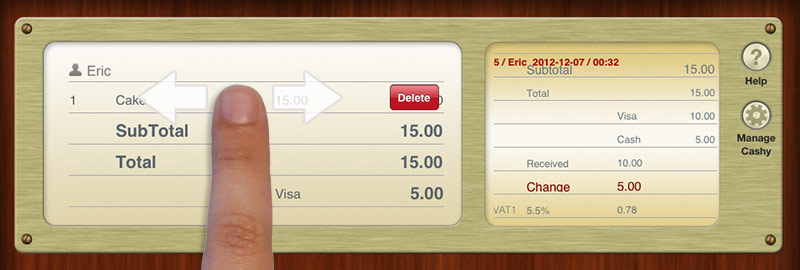
• Delete item from transaction list by horizontal swipe
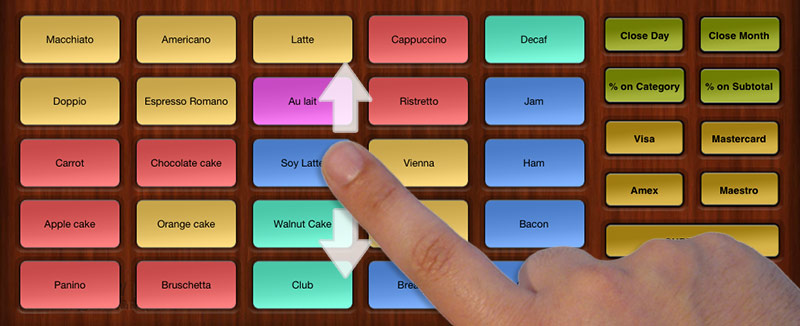
• 2nd bestseller screen added. You can add buttons for another 25 items (in total 2 x 25 items = 50 items)
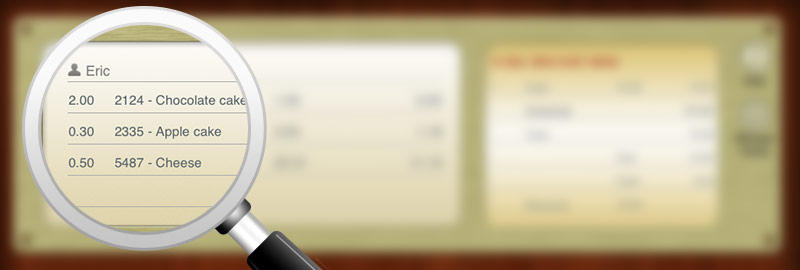
• Register partial items. F.ex. 0,5 kg of cheese where you defined the kg-price at the product settings
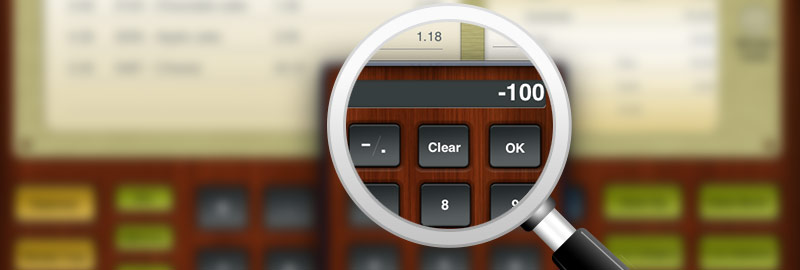
• Create a product without sales price (tick “ask“ checkbox instead). When registering this item, you will be asked for the price. Tap longer onto the “-.“-button to register a negative price. Perfect for a rounding down discount!
• More information in close-reports. F.ex. TVA splitting
• Close-day in „Z“-mode is now continuously numbered
• A receipt or close-day is now associated to a Cash installation >> Till-ID
• Optimized database and various bug fixes
Find here all release notes LINK