


Cashy-POS 1.4
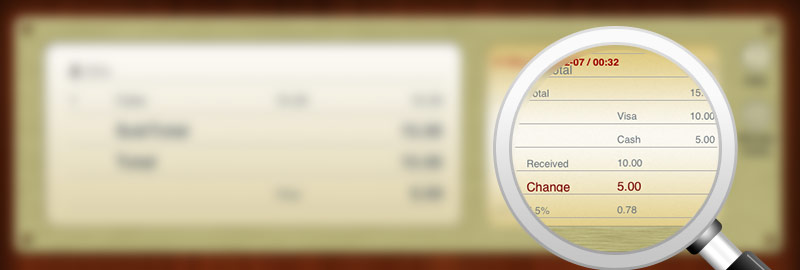
- Combine two payment methods when closing the transaction. Overpaying is also allowed, f.ex. cash advance on credit card
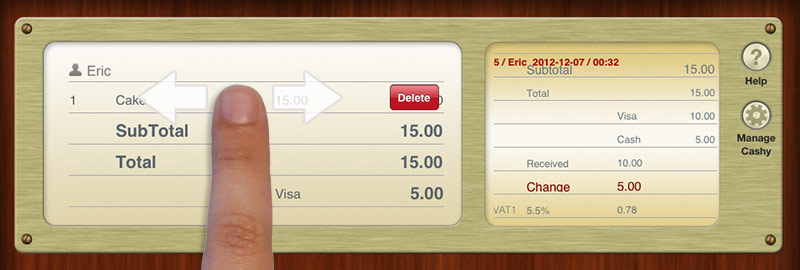
• Delete item from transaction list by horizontal swipe
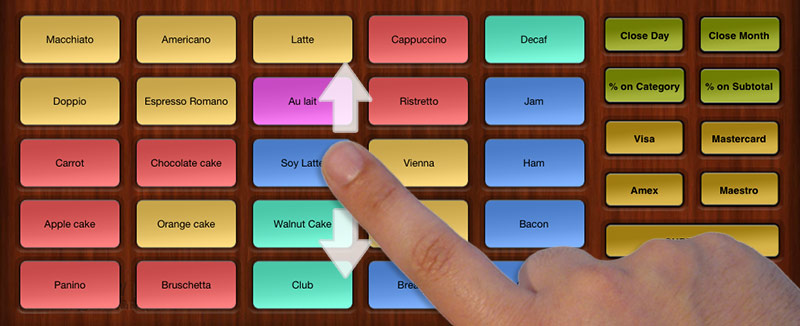
• 2nd bestseller screen added. You can add buttons for another 25 items (in total 2 x 25 items = 50 items)
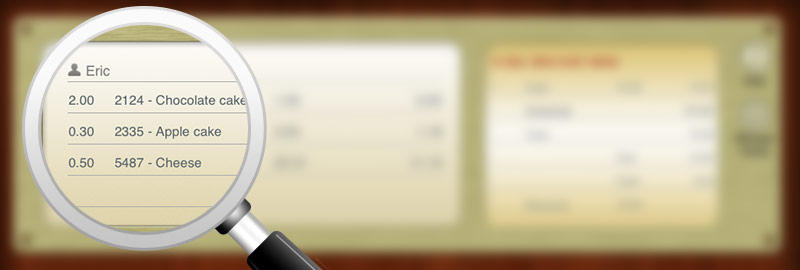
• Register partial items. F.ex. 0,5 kg of cheese where you defined the kg-price at the product settings
• Create a product without sales price (tick “ask“ checkbox instead). When registering this item, you will be asked for the price. Tap longer onto the “-.“-button to register a negative price. Perfect for a rounding down discount!

• More information in close-reports. F.ex. TVA splitting
• Close-day in „Z“-mode is now continuously numbered
• A receipt or close-day is now associated to a Cash installation >> Till-ID
• Optimized database and various bug fixes
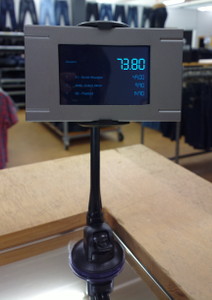
For the professional use we offer the application “Cashy-Display“ in the AppStore (LINK). You can use any old iPhone or even iPad mini to display all transaction details to your customer while registering items.